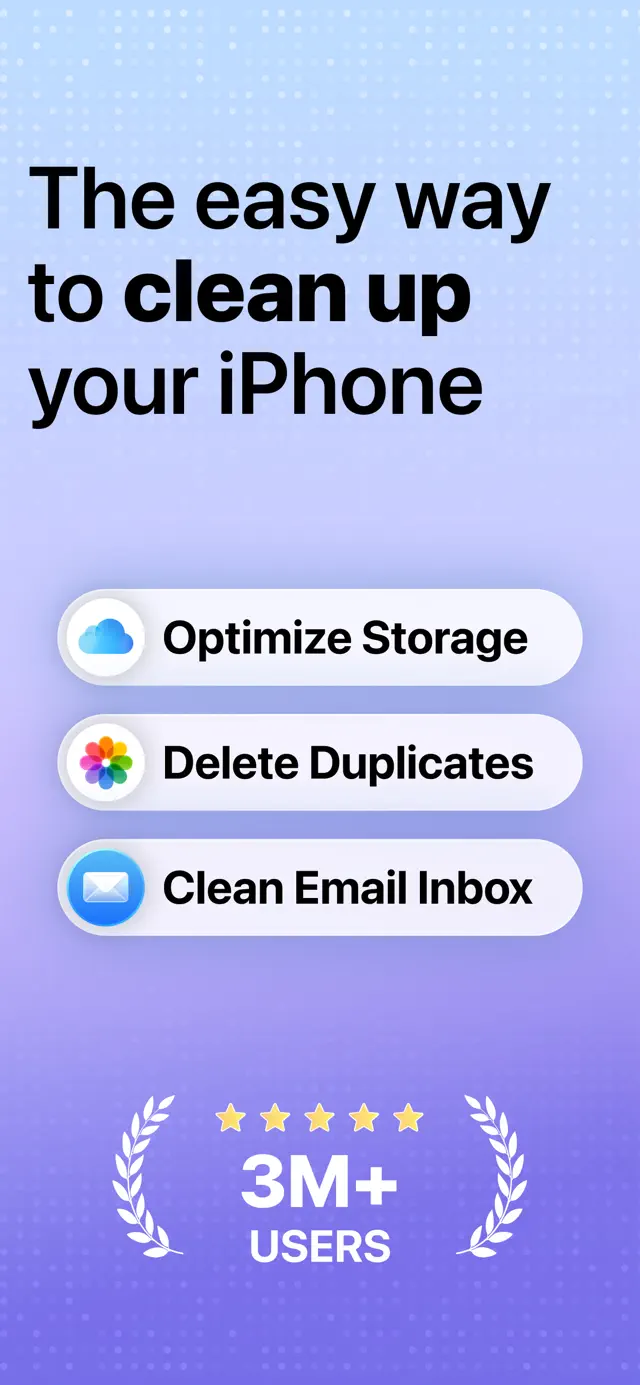
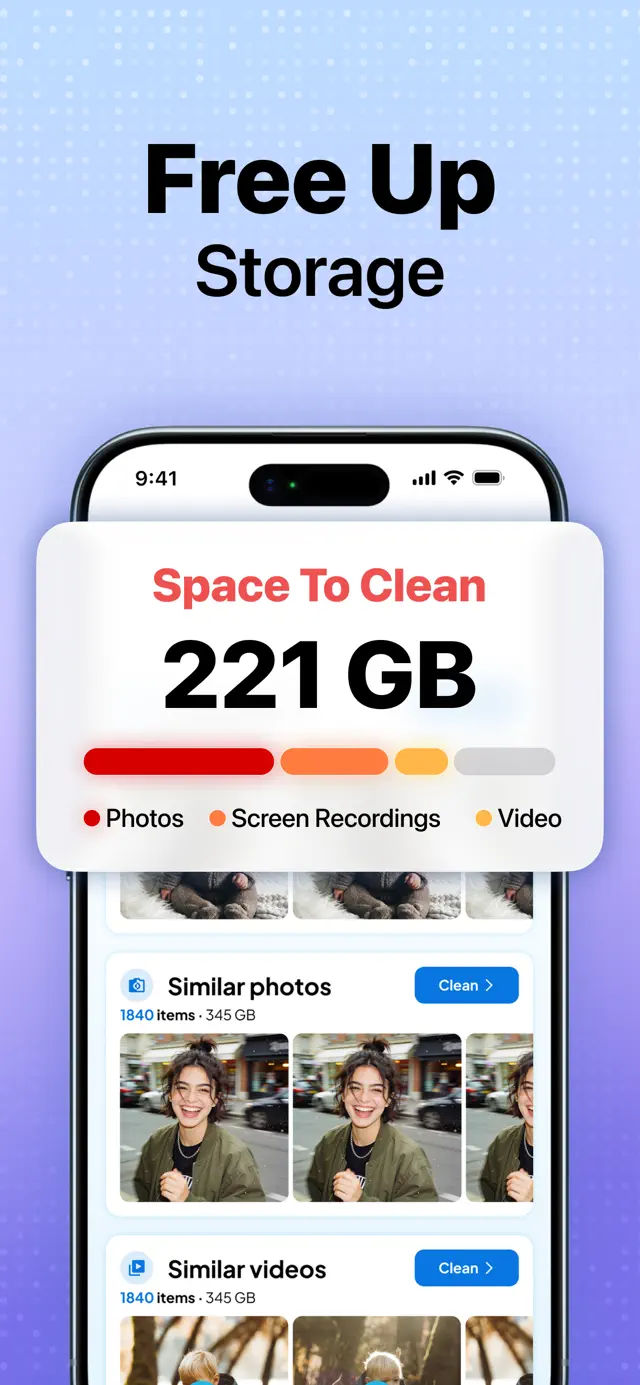
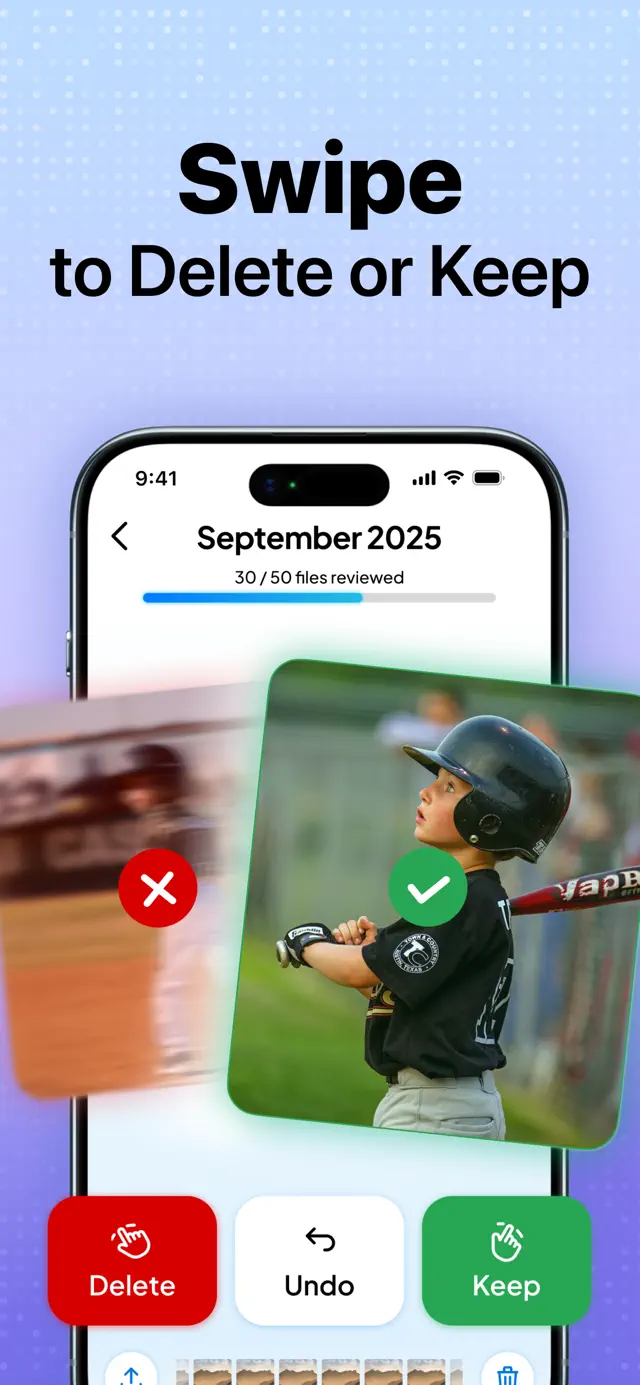
Cleaner Go clears storage off an iPhone. It scans the camera roll on the device, groups duplicate and near-identical photos, surfaces screenshots and burst shots, and lets the user review the result with a swipe — right to keep, left to delete. A similar-photo grid gives the user another way to choose the keeper. The same product also covers video compression, a private vault and inbox cleanup. Nothing is deleted without review, and the photo-matching step does not require uploading the library.
Client work. Clutch Developer does mobile engineering on this app with LabHouse, alongside Inés Salvans. The app belongs to Labhouse Mobile.
What the app does
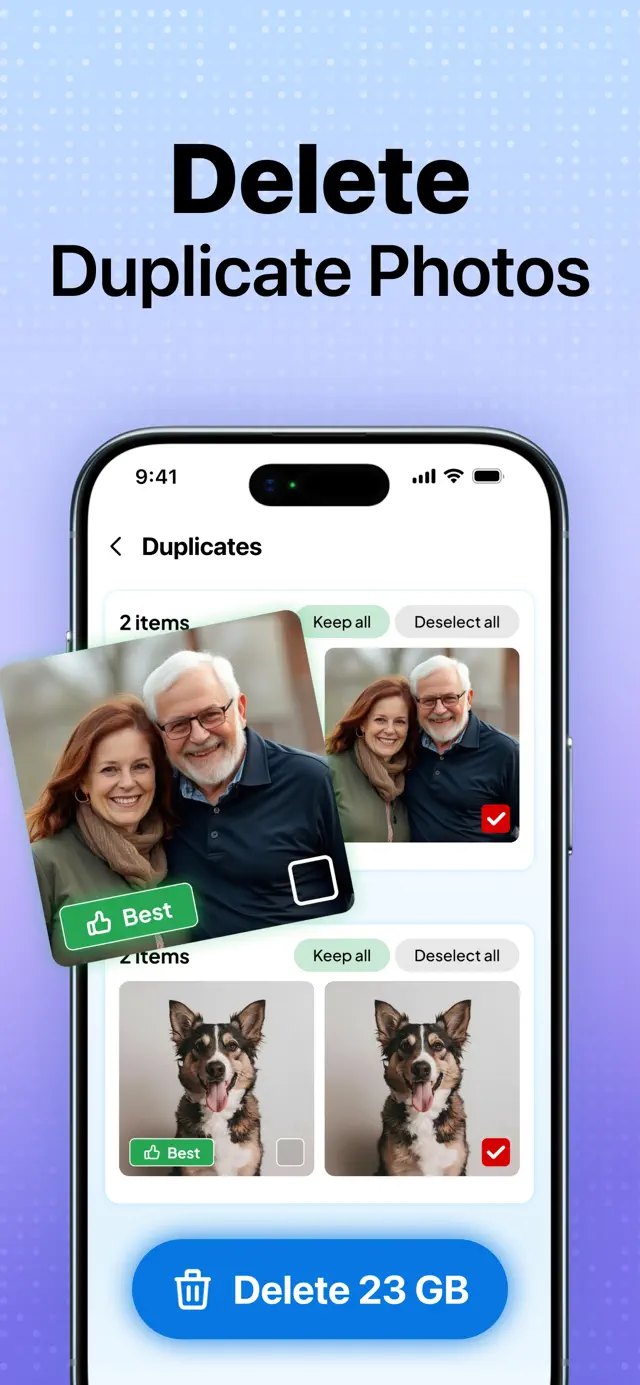
- Duplicate and similar-photo detection across the library, grouping obvious duplicates, visually similar shots, screenshots and burst images for a human decision.
- Swipe review — keep or delete one decision at a time, choose a keeper from a similar-photo grid, and undo when a swipe needs correcting.
- Video compression that lets people choose large clips to shrink, keeping the original memory under their control while reducing storage pressure.
- A private vault for photos and videos that should stay out of the main library, protected by the app's private-access flow.
- Inbox cleanup, because newsletters and promotional attachments can consume space even when the camera roll is not the only problem.
The hard part
Exact duplicates are easy — hash the file, compare. That is not the useful feature. The useful feature is near-duplicates: several frames from one burst, the same photo re-saved by a messaging app at a different compression, or a screenshot cropped slightly differently. Those files have different bytes and are obviously the same picture to a human. The user needs a grouped suggestion, a clear keeper choice and a reversible decision, not a list of hash matches that still has to be interpreted from scratch.
For this class of app, a practical engineering approach is to compare perceptual content rather than only file identity. The cost profile can grow quickly with the size of the library: a naive implementation compares every photo to every other photo, which is quadratic and quickly becomes wasteful. A viable design can reduce each image to a compact signature, use candidate buckets so only plausible pairs meet, and compare those candidates without decoding every full-resolution asset repeatedly. Whatever implementation is chosen, the result has to group similar images usefully while leaving the final decision with the person who took them.
Those engineering choices still have to fit inside a phone. A first scan may touch a large library, making it the most expensive part of the experience at the moment when a new user has the least patience. The flow should make progress visible, avoid holding thousands of full-resolution images in memory, and behave sensibly when the app is backgrounded or the device starts managing heat and battery. It also has to give the user a useful review surface after scanning: groups, a keeper choice, swipe decisions, undo and an explicit confirmation step.
Photo analysis stays on-device: the scan and similarity work do not require uploading the library to a server for matching. The App Store disclosure separately covers identifiers, usage data, diagnostics and support-related data, so this on-device scope applies specifically to library scanning and matching.
What this class of problem demands
- Perceptual signatures per image, not file hashes alone — cheap to compute and cheap to compare.
- Candidate bucketing so the comparison does not go quadratic across a large library.
- Downsampled decoding, so memory stays controlled even when source images are high resolution.
- Incremental processing that can keep the interface responsive while the device is scanning and compressing.
- Nothing destructive without review — grouped suggestions, an explicit confirmation, a keeper choice and undo.
This is what performance planning looks like in native app development: choosing an algorithm and a review flow whose cost and risk fit inside a phone you do not control. The product experience succeeds when the heavy work sits behind a decision the user can understand.
Scope and project role
Clutch Developer's contribution to this client-owned app was mobile engineering, including the on-device photo grouping and the review flow described here. Labhouse Mobile owns the app; Labhouse and Inés Salvans are credited in the note above. This case documents that contribution, not sole authorship of the whole product.
Evidence and limitations
The retained app captures show storage summaries and photo-review actions; the linked store listing describes on-device matching. This makes the visible flow and published disclosure inspectable, but it is not an independent accuracy, speed or security audit. Deletion still requires the user's review and confirmation.