Smart Clip started from a context problem. People already write in WhatsApp, Gmail, LinkedIn and Docs; asking them to copy text into a separate chatbot adds friction and breaks the task. Smart Clip puts grammar, translation, rewriting and reply suggestions beside the text that needs work. The goal is a short handoff: select or compose something, choose the kind of help you need, review the result and continue where the writing began. The useful output is therefore not just a generated sentence; it is a sentence that still belongs to the conversation, email or document the person was already working on. It is a Clutch Developer product with a free tier for light use and a Pro tier for unlimited translations, rewrites and replies.
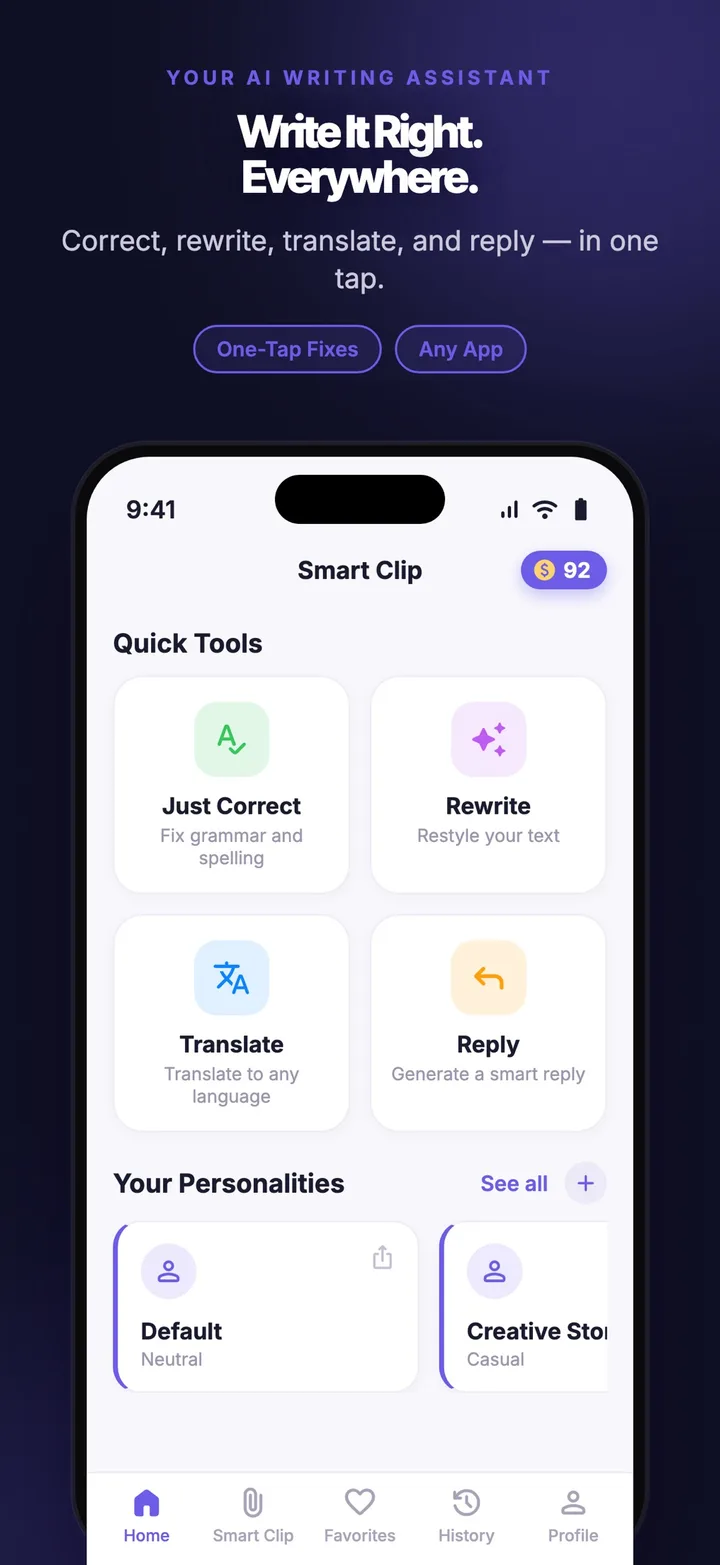
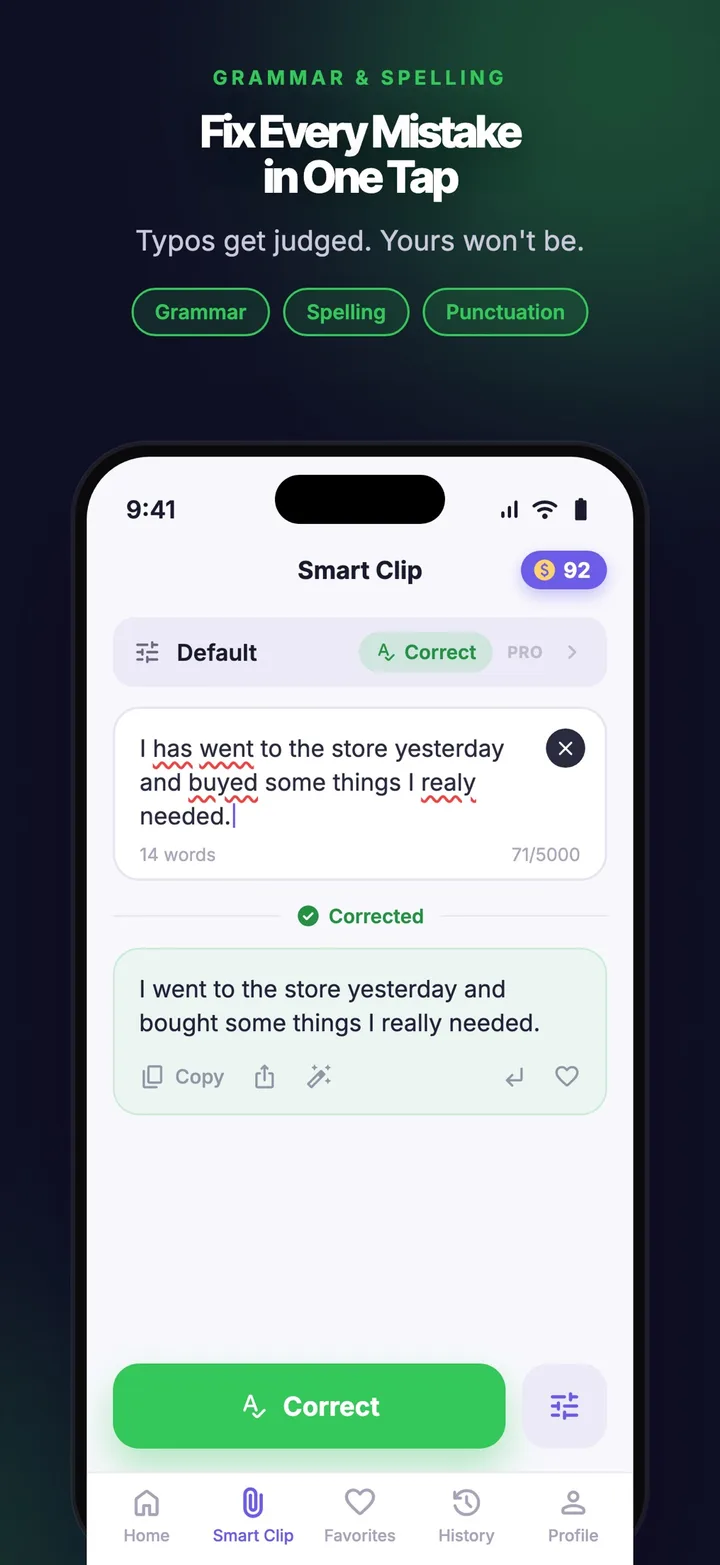
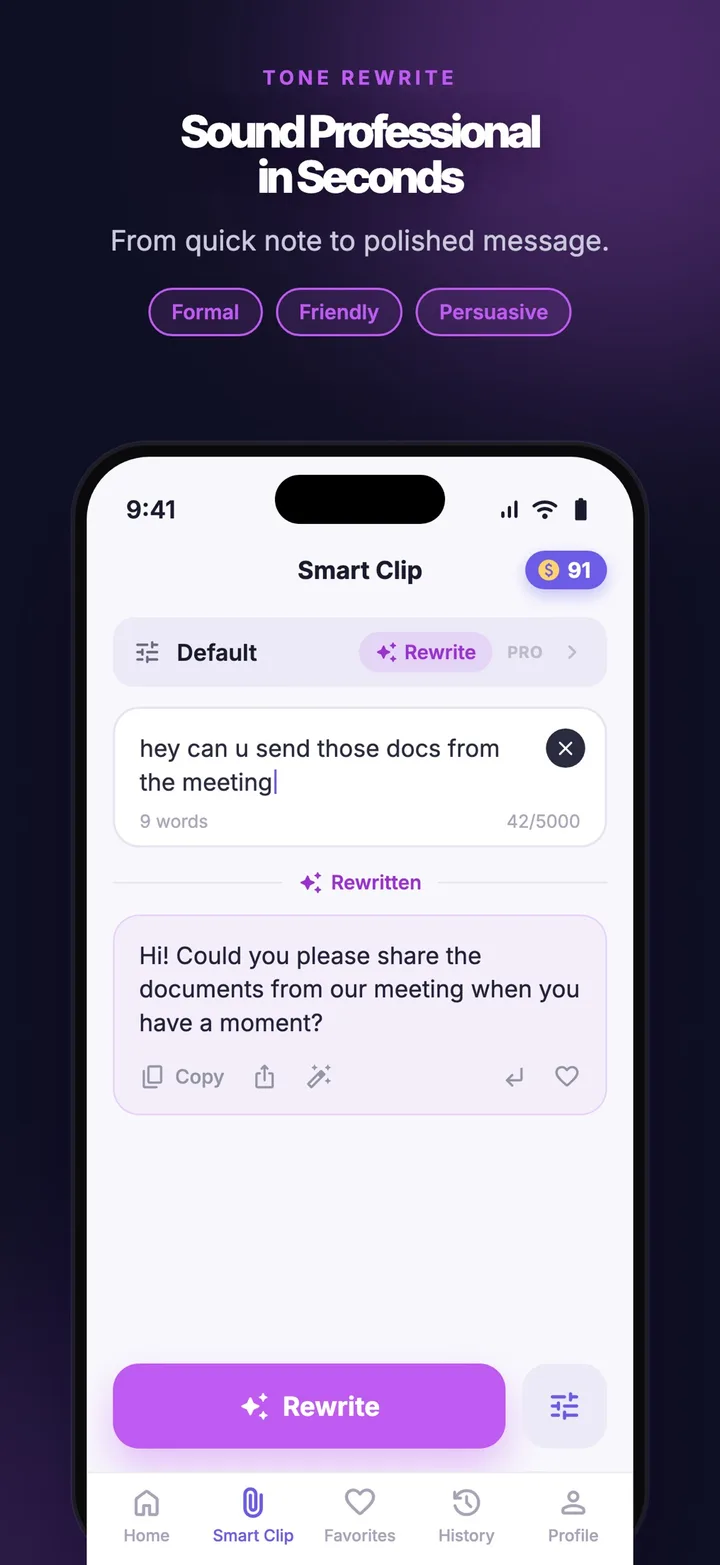
Keep the writing in context
The main flow has three entry points. The AI keyboard handles a correction or rewrite without leaving the current app. The share extension gives people a way to send selected text into Smart Clip when the system share flow fits better. The standalone app provides room for a longer rewrite, a reply or a more deliberate comparison before the text is copied back. The iOS project carries native keyboard and share-extension surfaces, while the broader product ships across iOS, Android, macOS and Windows. Those surfaces make Smart Clip feel like a writing tool rather than another destination, while grammar, translation and rewriting remain available across 30+ languages. The platform constraint is part of the user flow: text selection, extension availability and return paths depend on the host operating system, so the product needs a useful standalone route when an embedded surface is not the right fit.
One product, several ways to use it
The product has to meet people at different levels of intent. A quick correction should stay quick; a longer rewrite needs room to work; a translation should preserve the task's context; and a reply should be easy to shape before it is sent. Keeping those jobs close to the original text reduces the cost of switching contexts and makes the generated answer easier to judge. The free tier makes light use available, while Pro unlocks unlimited translations, rewrites and replies for people who need the assistant more often. That split keeps the first interaction simple without hiding the product's larger workflow behind a single chat screen. It also gives the interface a clear stopping point: the user reviews the suggestion and decides whether to use it, instead of treating generation as an automatic send action.
The build
- An AI keyboard for writing help inside the current app where the system allows it.
- A share extension for sending selected text into the assistant.
- A standalone app for longer rewrites, translations and replies.
- Grammar, translation and rewriting across 30+ languages.
- Product surfaces for iOS, Android, macOS and Windows, with native extension work where required.
What we built
Smart Clip turns writing assistance into a set of short, familiar actions: select text, ask for a correction, translate it, rewrite it or shape a reply, then keep moving in the app where the work began. Delivery covered the shared product experience as well as the platform-specific surfaces that make that promise possible: the iOS keyboard and share extension, the Android keyboard path and desktop app targets. The important constraint is continuity. Each surface can have different system rules, but the product still needs to feel like one assistant with the same writing jobs and plan boundaries. That means the implementation is judged by the handoff between surfaces as much as by the generated copy: selected text must arrive in the right context, the result must be reviewable, and the user must have a clear way to continue. The same writing jobs need to remain recognizable whether the user is in a keyboard, a share sheet or the full app. Visit Smart Clip, open the Smart Clip product page, or talk to us about AI product development and native app development.