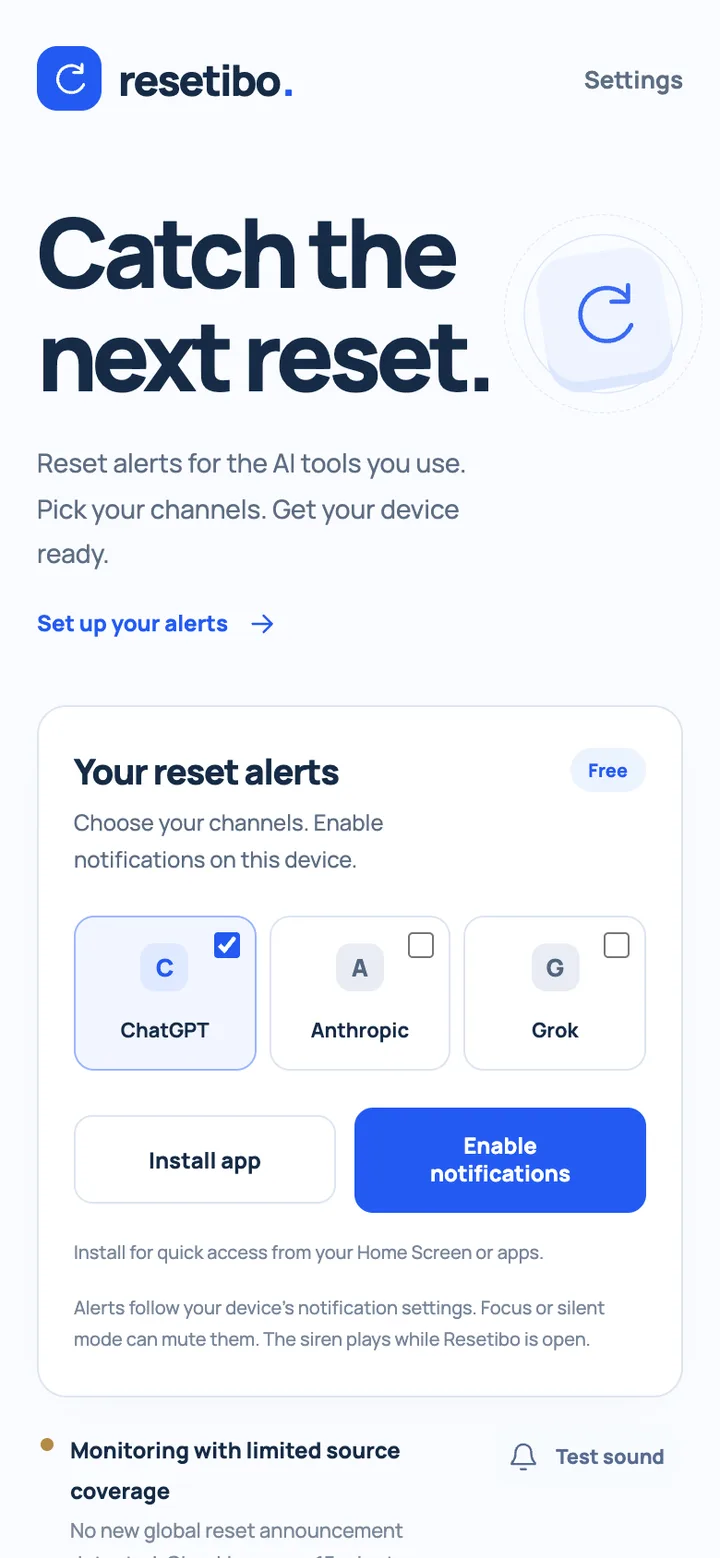
Resetibo helps people follow reset announcements for the AI tools they use. A visitor can choose ChatGPT, Anthropic or Grok, see the current monitoring status, prepare the device for notifications and open the original announcement when one is available. The product is an independent Clutch Developer project, not an official service from OpenAI, Anthropic or xAI. That independence shapes the experience: the app explains what it monitors and where browser or source limitations apply instead of presenting an alert as a guarantee.
One product, from the browser to the Home Screen
The product is a progressive web app: open it from a link, then install it for quick access from a Home Screen or desktop. React 19 handles the interface and Vite 7 builds the frontend. vite-plugin-pwa supplies the manifest and Workbox service worker, so the app can present an installable identity and keep the application shell available through the browser's PWA model. The visual language stays simple: a blue reset symbol, channel selectors and clear actions for installation, notifications and support.
The service worker supports the app experience, but live announcements, account access and payments still require a connection. Notification support also depends on the browser, a secure context and the device's permission model. The PWA avoids a separate store-install journey without pretending every browser has the same background or notification capabilities. Making those boundaries visible is part of the product work, because a person should know what has been installed before they rely on it.
Google sign-up and sign-in
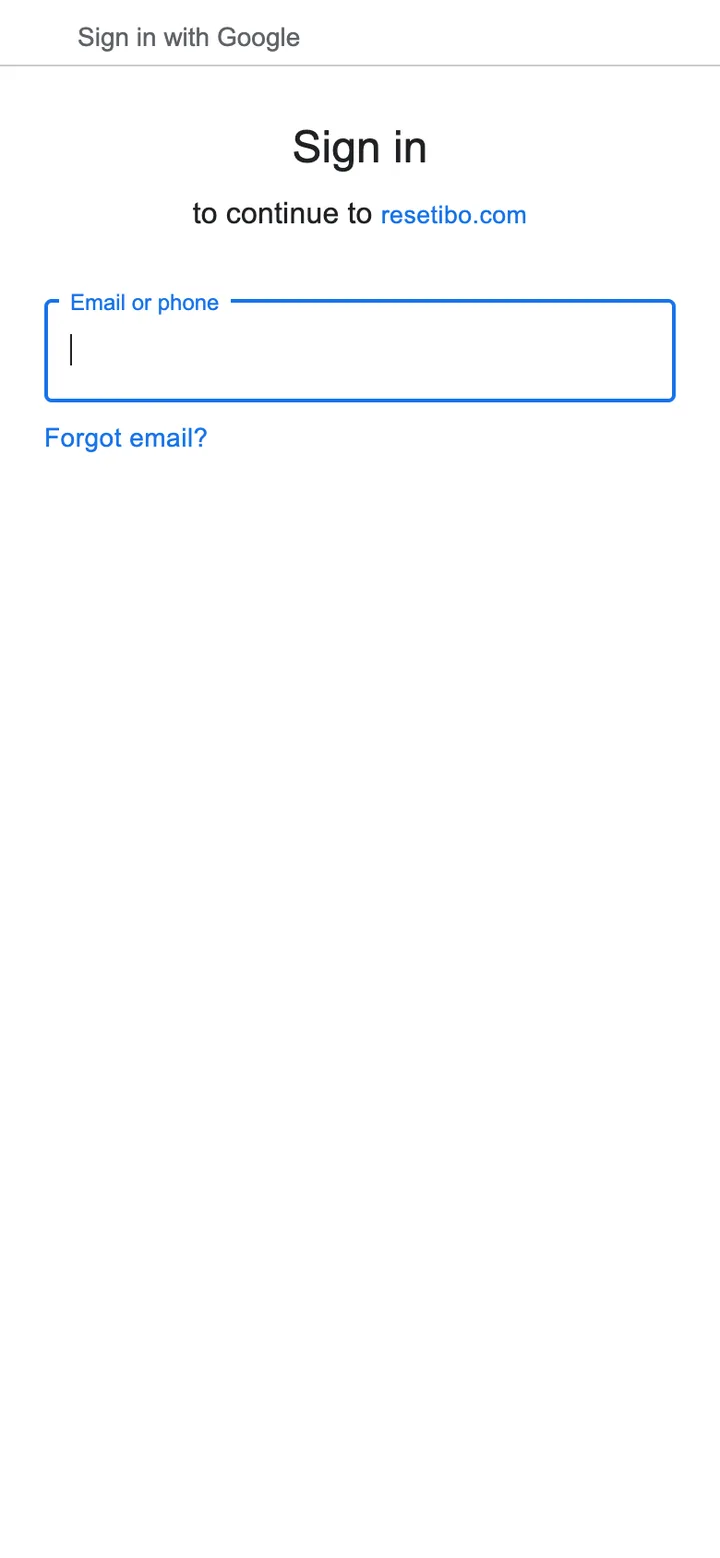
Firebase Authentication powers Google sign-in for account access and support contributions. People can explore the public page and understand the alert flow before creating an account; the contribution flow asks them to sign in before continuing to Stripe. Notification setup has a different boundary: the push-subscription callable can save the browser subscription without requiring a Google account, while an authenticated user can have the subscription associated with their account. Using an existing Google account makes returning access and payment confirmation part of the same flow, without asking the product to create a separate password system.
Notifications that respect the device
People choose their alert channels and explicitly enable notifications on their device. A push service worker receives web push messages, while the interface provides installation guidance, permission feedback and a sound test. The selected channels are saved for that device, and subscriptions can be disabled in Settings. The flow treats setup as a user decision rather than an invisible default, and it does not turn Google sign-in into a prerequisite for receiving alerts.
That distinction matters on a phone: a system notification follows the device's permission, Focus and silent-mode settings. The siren plays while Resetibo is open. The product explains those limits instead of promising an alarm that overrides the operating system. The monitoring view also exposes delayed checks and incomplete source coverage, and can link to the original announcement, so a user can distinguish a live notice from a temporarily unavailable watch.
Stripe payments and a contribution leaderboard
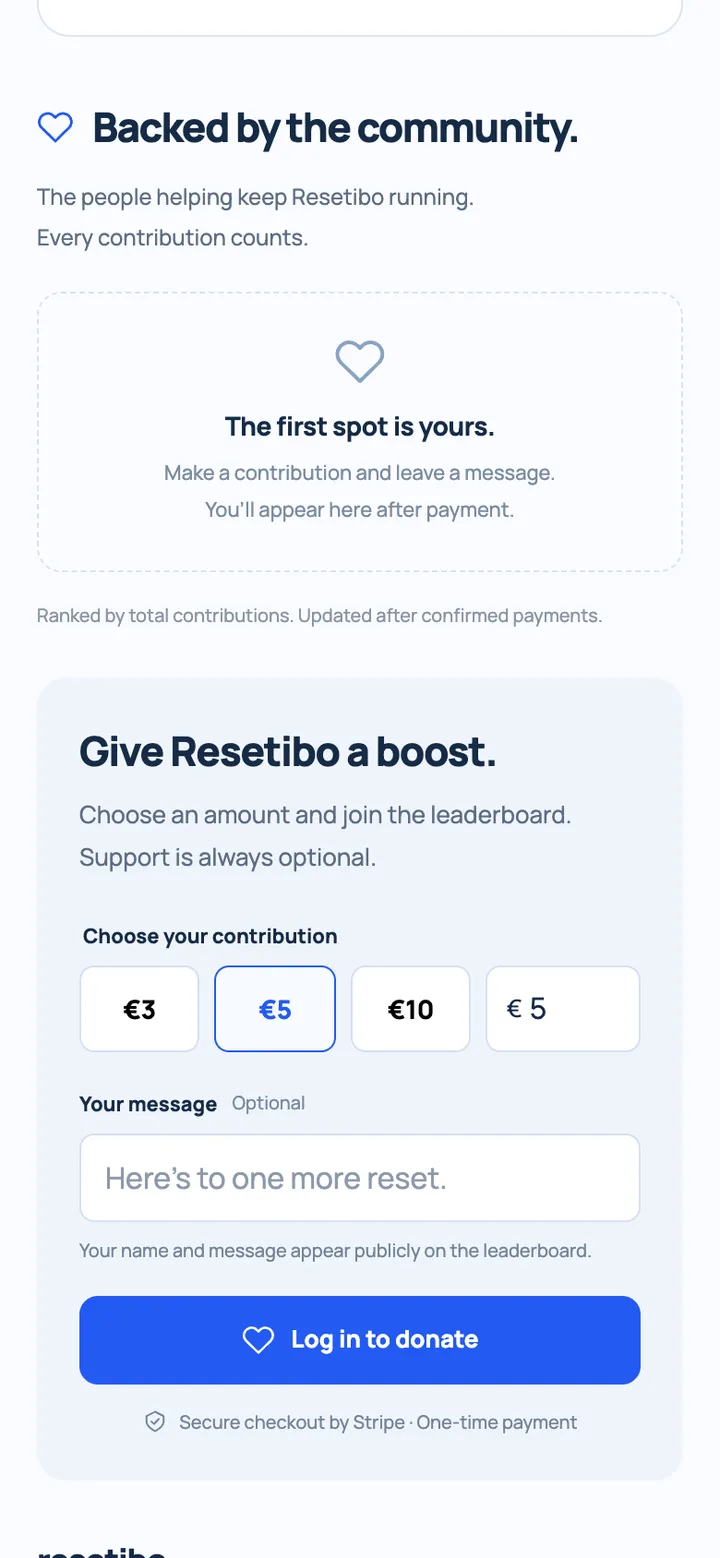
Support is optional. A contributor chooses an amount, can add a public message, signs in with Google if needed, and continues to Stripe-hosted Checkout for a one-time payment. This is a community-support flow, not a subscription requirement for using the free alerts. The checkout handoff is kept separate from the alert setup so a visitor can use the core product without first making a payment decision.
The leaderboard ranks supporters by their total contributions and updates after confirmed payments. Firebase stores the application data, while backend functions connect the payment flow to the public ranking. The interface makes it clear that the contributor's name and message will be public before they pay, and the empty state explains what happens before the first confirmed contribution.
The technologies behind the flow
- Frontend: React 19, JavaScript and Vite 7.
- PWA: vite-plugin-pwa, a web app manifest and Workbox, with a dedicated push service worker.
- Identity and data: Firebase Authentication with Google sign-in, plus Cloud Firestore.
- Backend: Firebase Cloud Functions running Node.js 22.
- Payments: Stripe-hosted Checkout and backend payment processing.
- Notifications: web push with the web-push library and browser notification APIs.
What we built
Resetibo connects a public alert page, installable PWA, Google account access, opt-in notifications, source-status messaging, Stripe payments and a contribution leaderboard. The delivery scope is the complete path from first visit to a configured device: explain the independent service, let a person choose channels, guide installation and permission setup, report monitoring limits, and make support optional and transparent. The value is in how the parts work together: visitors can understand the service before signing in, prepare their device before relying on alerts, and see how community support is represented publicly.
Explore Resetibo, or read more about our website development and automation and integrations.