DevSweep is a disk cleaner for developers on macOS 12+ and Windows 10/11. Development tools leave behind caches, package folders, simulators, build artifacts, duplicate files and oversized exports, and the machine becomes harder to work on. The problem is not one mysterious folder; it is the accumulation of many folders that look technical enough to ignore until storage becomes a daily constraint. A full drive slows builds, blocks updates and forces a developer to make guesses about folders they did not create by hand. DevSweep turns that maintenance job into a visible, confirm-before-delete flow. It is built by Clutch Developer.
The need: developer tools leave a trail
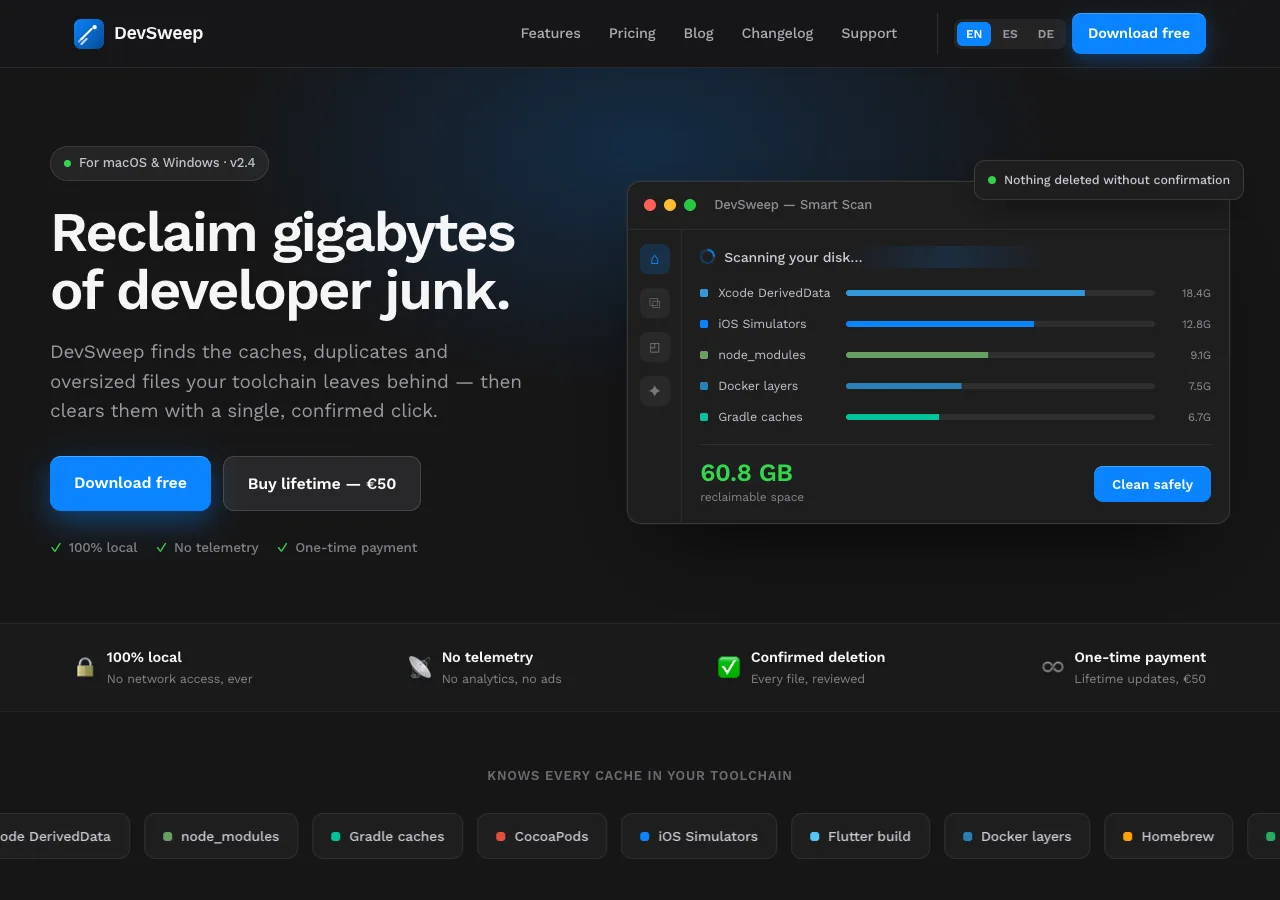
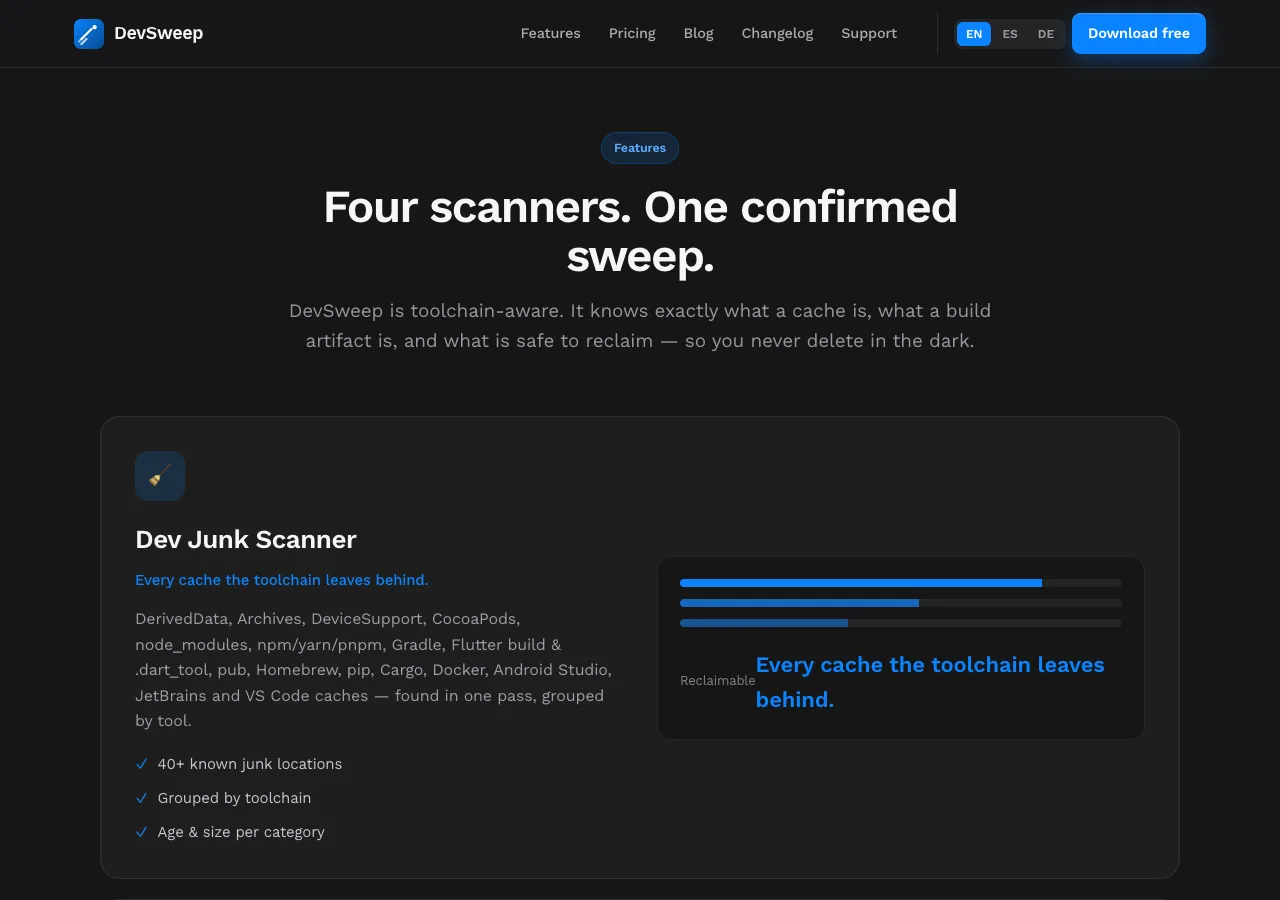
A general-purpose cleaner does not know why a developer has a directory or whether it is safe to remove. DevSweep starts from the toolchain. Its developer-junk scanner groups known locations such as Xcode DerivedData, Archives, DeviceSupport, CocoaPods, node_modules, npm/yarn/pnpm caches, Gradle, Flutter build and .dart_tool folders, pub, Homebrew, pip, Cargo, Docker, Android Studio, JetBrains and VS Code caches. The public product describes more than 40 known junk locations, while the product supports macOS 12+ and Windows 10/11. Grouping the findings by tool makes the result explainable: a developer can see what generated a folder before deciding what to do with it, then return to the project with a clear record of what was selected.
Make the sweep reviewable
- Toolchain-aware scanning for known caches, node_modules, simulators and build artifacts, grouped so the source of the clutter is visible.
- A visible candidate list before cleanup, so the developer can inspect the proposed work instead of handing a general cleaner an unexplained delete command.
- Hash-verified duplicate checks for identical files of at least 1 MB in folders the user chooses, with older copies selected while the newest copy is kept.
- Large-file and image cleanup for files over 100 MB plus a PNG/JPEG-to-WebP pass through cwebp, giving the user another concrete way to recover space.
The flow is deliberately conservative. DevSweep is aimed at caches and other material that tools can regenerate, but a scan is not permission to delete. The user sees the candidates, confirms the cleanup and keeps the decision attached to the actual machine. A safe-folder whitelist also keeps working directories out of the result, which matters when a project contains generated files beside source code. A single sweep can bring several categories into the same review: toolchain junk, identical files, oversized files and image assets. The product can be scanned before purchase, while the paid licence is a one-time €50 payment with lifetime updates according to the live product page.
Local privacy is part of the product
Disk cleanup is a local job. DevSweep's scan and file-processing path runs on the machine, so the files and file inventory are not sent to a cleaning service to decide what to remove. That boundary is useful for the same reason the review step is useful: paths and caches can reveal a great deal about a working environment, and the person who owns the machine should decide what leaves it. Local processing also keeps the product understandable when the user is deciding whether a cache is disposable: the evidence is the path and the size on the computer in front of them.
What we built
We built a cross-platform developer cleaner around a small set of concrete surfaces: a Dev Junk Scanner, Duplicate Finder, Large File Hunter and Image Optimizer, all connected by the same visible review and confirmation model. The delivery scope included the toolchain-specific categories, size and duplicate checks, the local safety boundary and a commercial path that does not depend on a recurring subscription. The product has to stay useful to a developer who wants a quick sweep and to one who needs to audit every candidate, so the summary view and the detailed review are part of the same flow. Visit DevSweep, see the DevSweep product page, or talk to us about 10× product delivery and app auditing for a product with similarly careful boundaries.