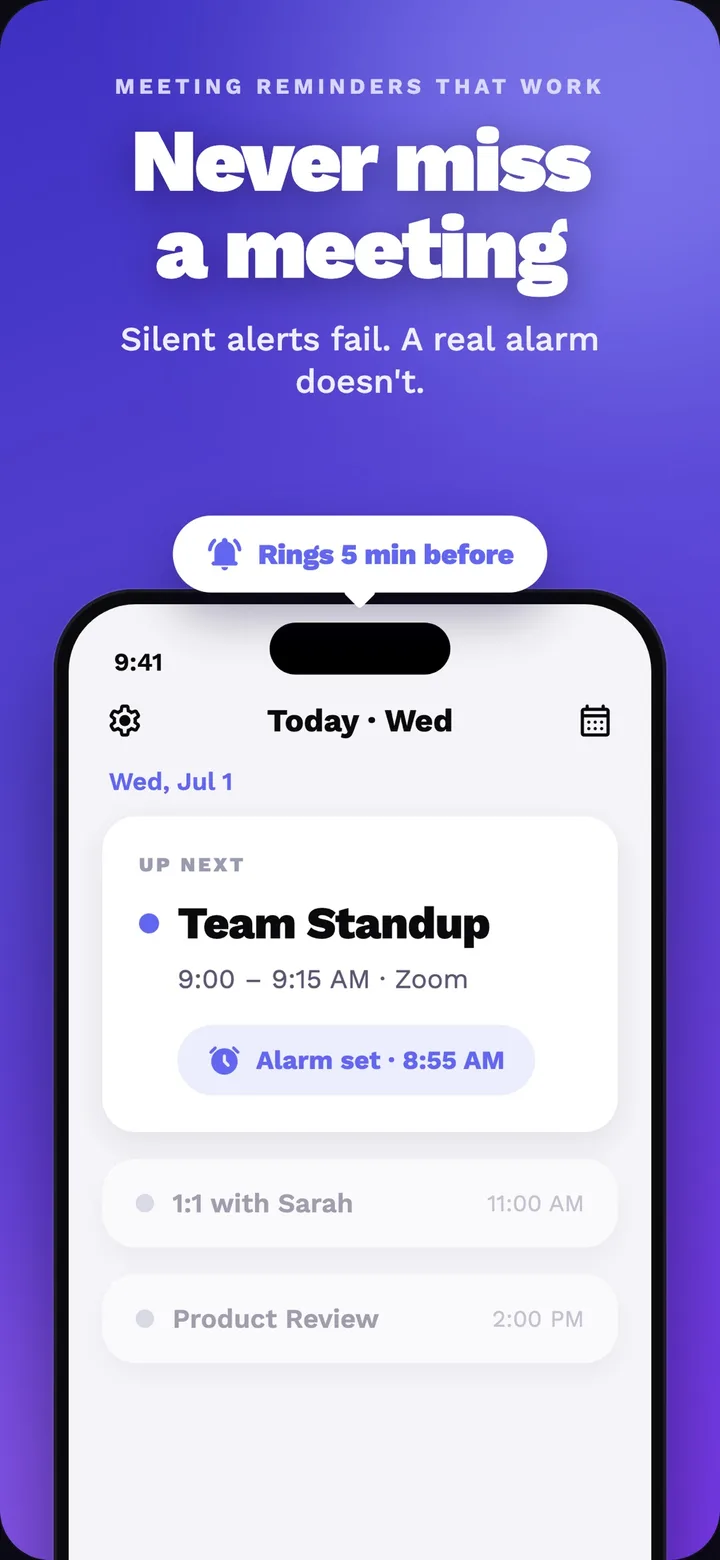
Callendar is a meeting reminder for iOS and Android that surfaces an incoming-call-style alarm. It reads Google Calendar, arms reminders for events automatically and opens Zoom, Meet or Teams in one tap. The product starts from a practical failure mode: a meeting can be on the calendar and still be missed when a small notification disappears. Callendar turns the reminder into a decision surface with the meeting title, time and next action close together. It is built by Clutch Developer for people who need the reminder to become an actionable moment rather than another banner to clear.
The need: a small alert with a big failure mode
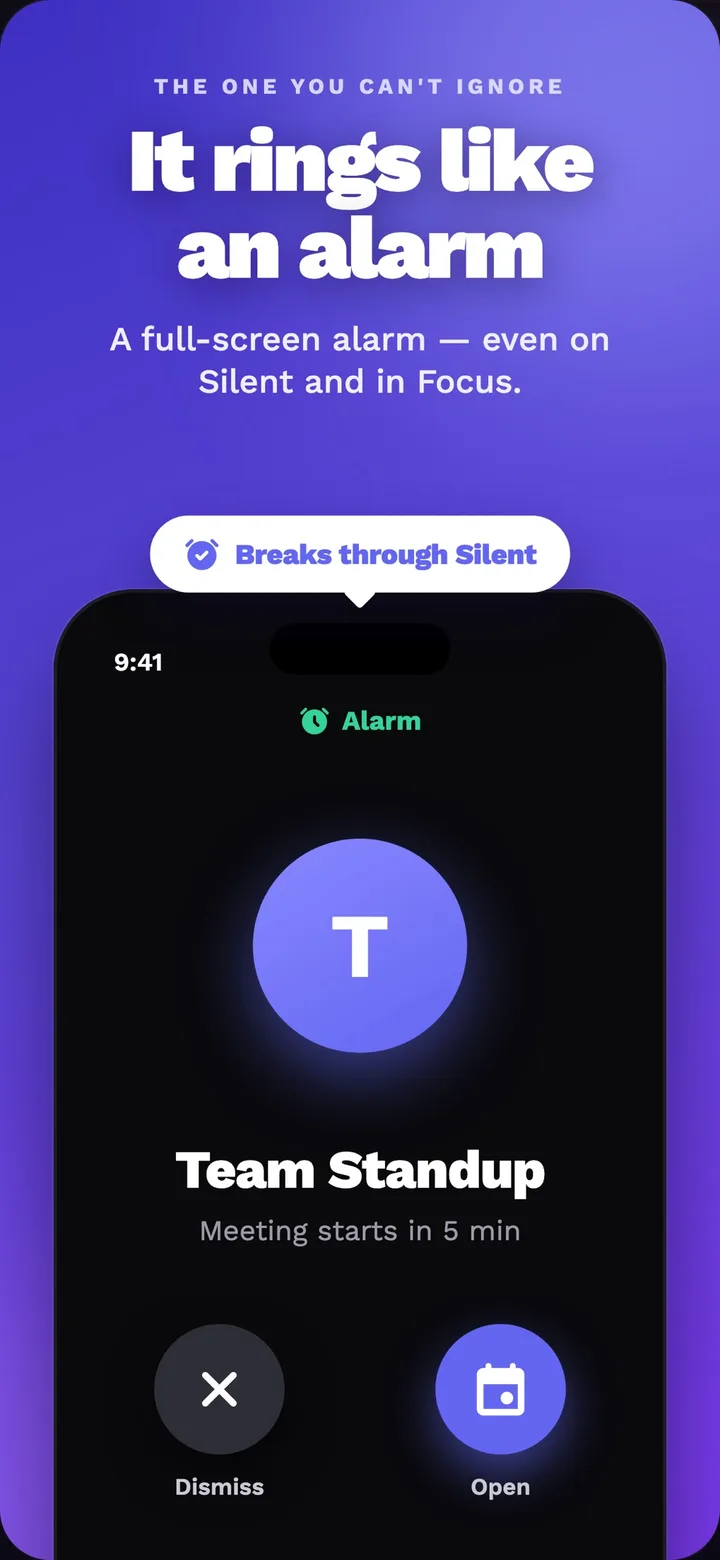
A calendar entry can be correct and still fail at the important moment. Ordinary notifications are easy to miss when a phone is quiet or a focus mode is active, exactly when someone is trying to concentrate. Callendar starts from a clearer requirement: the reminder should be presented as an incoming-call-style event, put the relevant meeting in front of the user and leave the next action close at hand. That changes the flow from noticing a banner to choosing whether to answer, snooze or decline before opening the meeting. The exact delivery path depends on the operating system, permissions and setup, so the product has to respect platform behavior while still making the alarm feel deliberate rather than passive.
From calendar event to meeting call
- Sync Google Calendar and arm every event automatically, so meetings do not need to be entered by hand.
- Choose the heads-up time and make each configured warning its own alarm.
- Present the meeting as an incoming-call-style alarm, using the platform's supported full-screen and alarm behavior once the required permissions and setup are in place, until the person answers, declines or snoozes it.
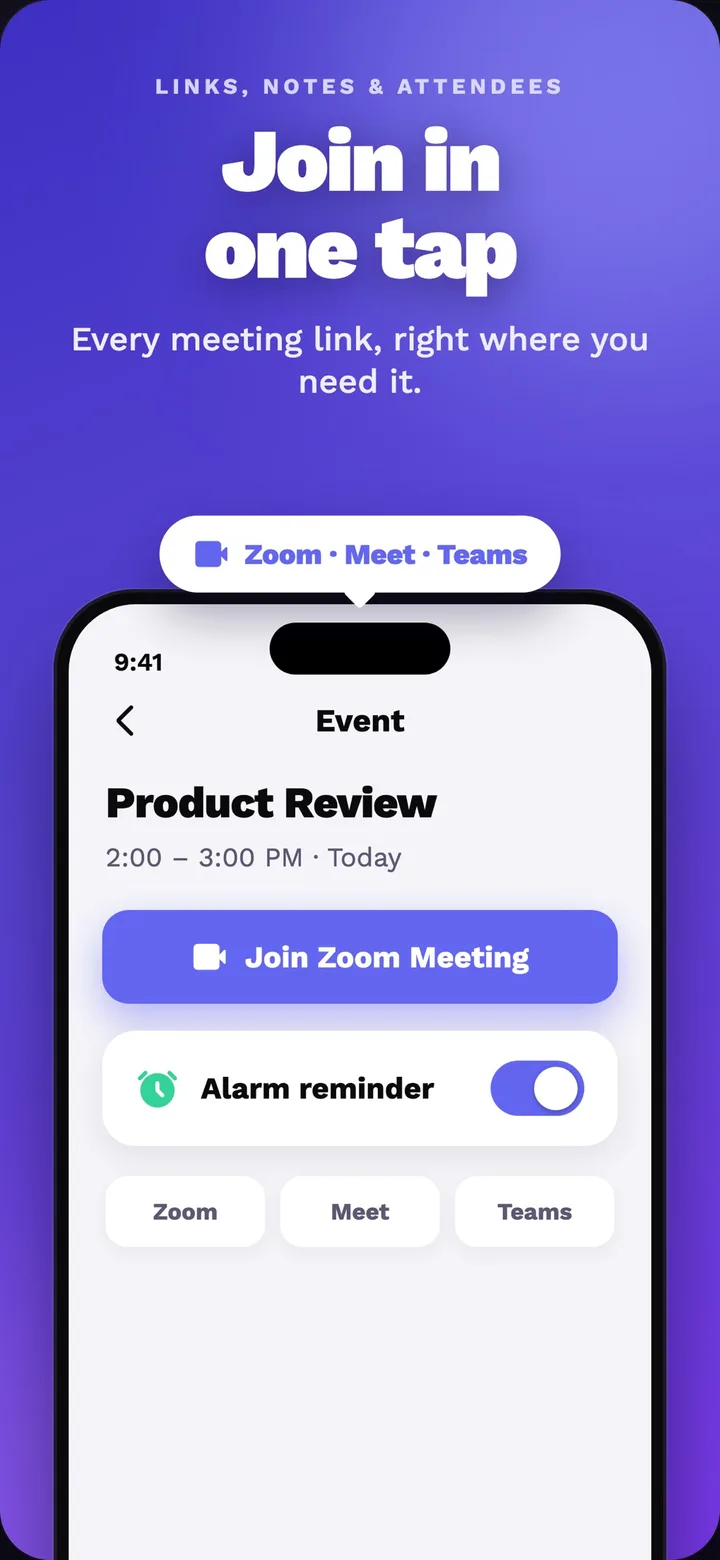
- Open the meeting in one tap through the Zoom, Meet or Teams link attached to the event.
That sequence changes the product from a passive reminder into a small decision surface. The person can answer, decline or snooze the alarm, inspect the event and move directly to the meeting link. A ten-minute warning and a two-minute last call are separate alarms because they serve different moments in the same preparation flow. Each warning still belongs to the same calendar event, so its title, time and link need to stay aligned as the schedule changes. Sync also has to keep the schedule honest: when a meeting changes or disappears, the app needs to reconcile cached events and scheduled reminders so an old event does not keep calling after it has been removed from the calendar.
Platform behavior is the feature
The technology boundary is visible in what the product has to coordinate: iOS and Android, Google Calendar events, platform alarm behavior and meeting links. Supported delivery paths include iOS CallKit and VoIP, AlarmKit on iOS 26+ where the device and configuration support it, and Android's alarm and full-screen mechanisms. That distinction matters because Silent, Focus and notification permissions are system behavior, not a universal switch the app can rewrite. Callendar therefore combines a free notification path with an optional premium call mode, while keeping the product promise specific: put the right meeting in front of the user when a normal notification would be easy to miss.
What we built
We built the calendar-to-call flow across the parts users actually feel: Google account connection, event sync, per-event reminder offsets, cached-event reconciliation, platform-specific alarm delivery, answer/decline/snooze actions and one-tap meeting launch. The scope is a coordination problem as much as a screen problem; the app has to carry the meeting title, time and link from a calendar event into a timely call surface, then stop or reconcile reminders when the user acts. The useful result is a reminder that carries enough context to support a decision immediately, with platform-specific behavior stated as a condition of delivery rather than a promise the app can make on every device. Try Callendar, see the Callendar product page, or talk to us about native app development and 10× product delivery.