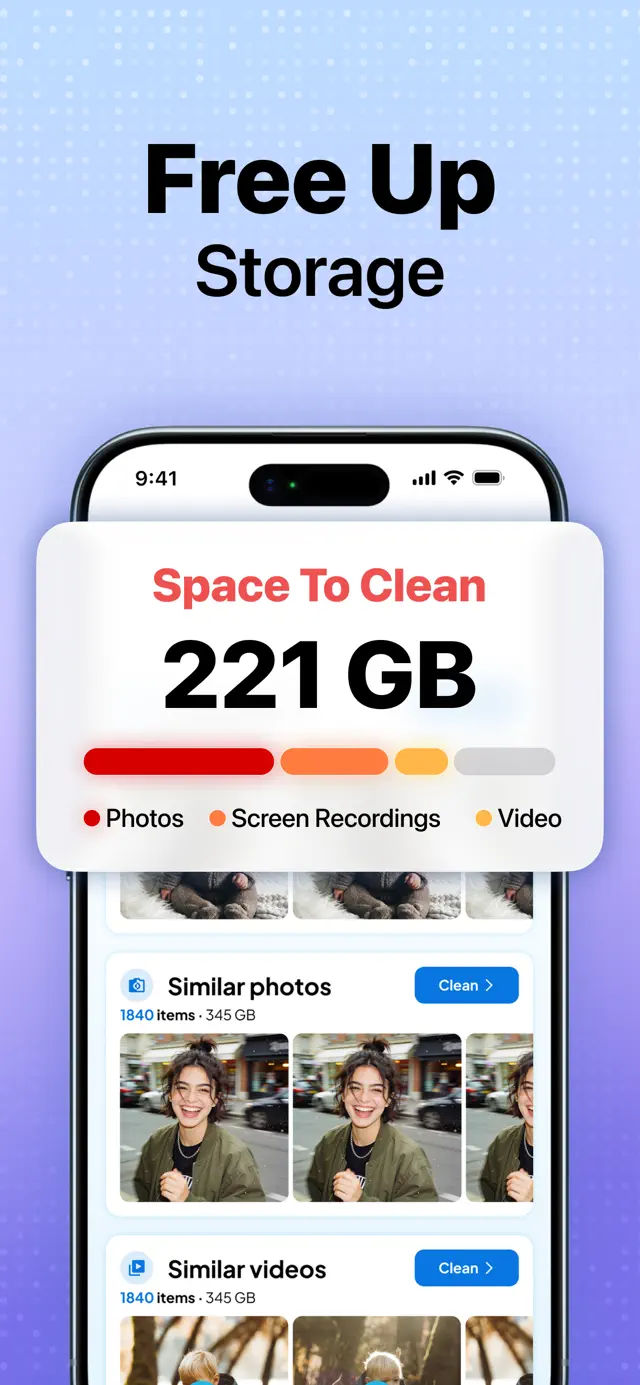
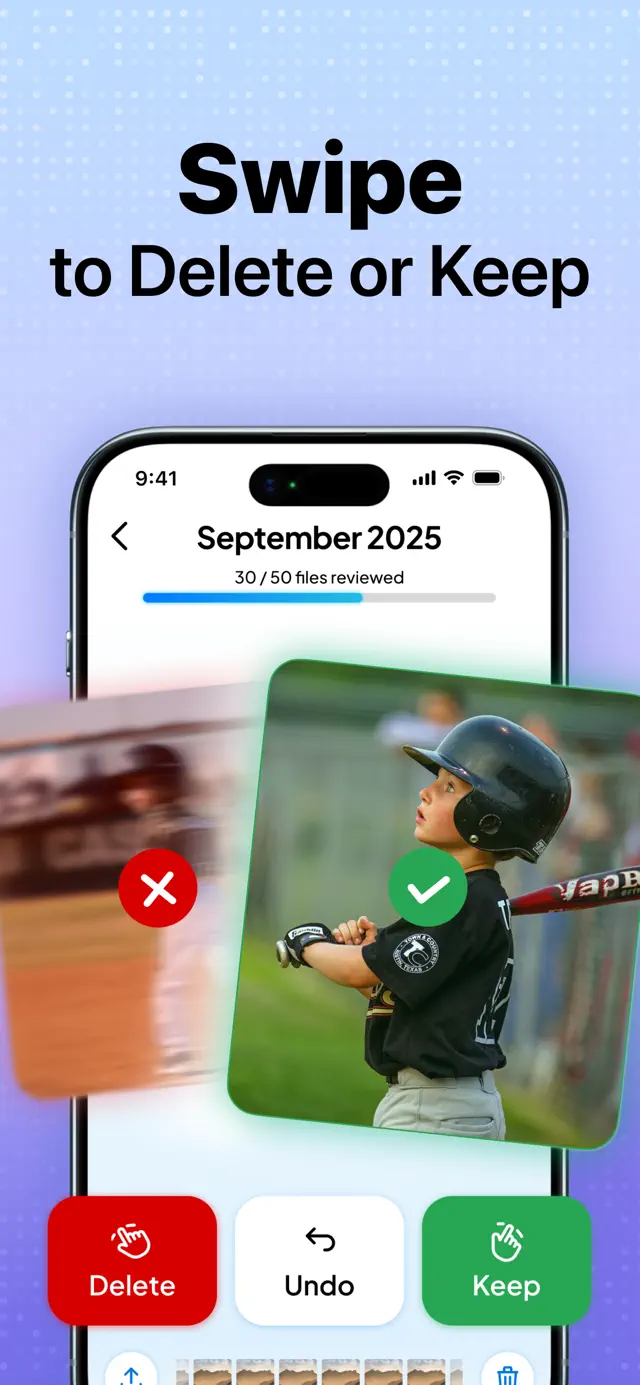
Cleaner Go clears storage off an iPhone. It finds duplicate and near-identical photos, screenshots nobody needs and videos worth compressing, then lets you review the lot with a swipe — right to keep, left to delete. Nothing is deleted without you seeing it first, and nothing is uploaded to do the analysis.
Client work. Clutch Developer does mobile engineering on this app with LabHouse, alongside Inés Salvans. The app belongs to Labhouse Mobile.
What the app does
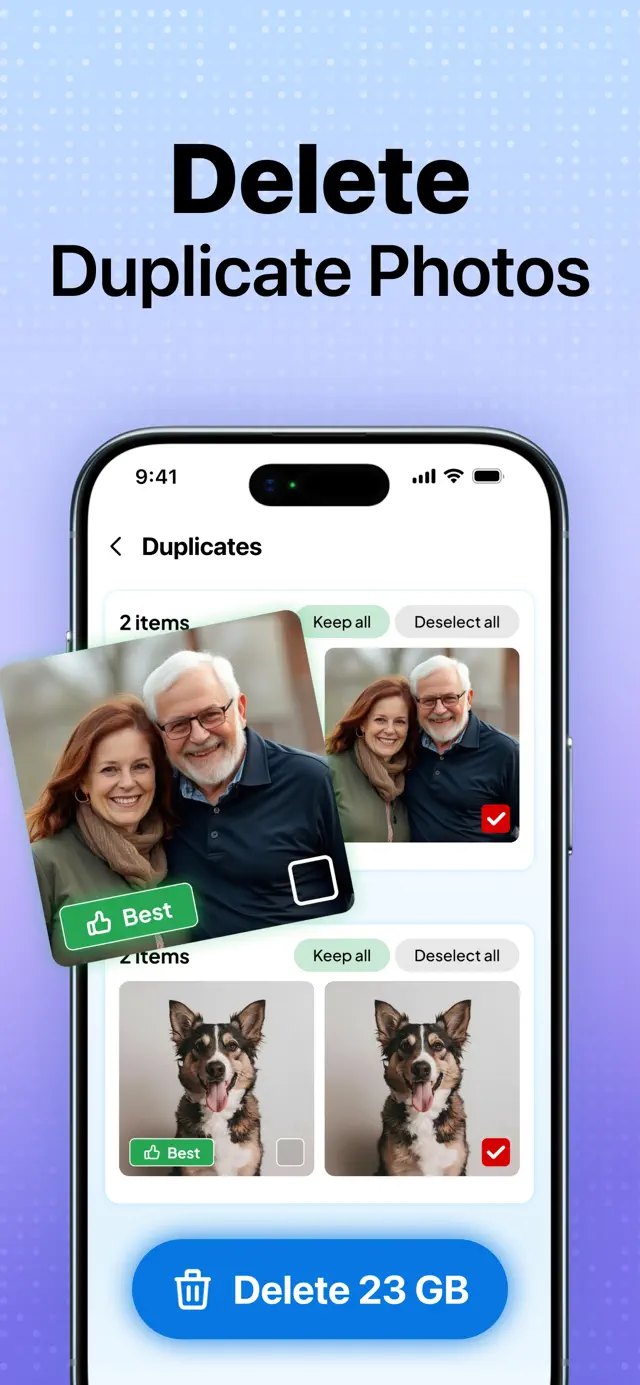
- Duplicate and similar-photo detection across the whole library, grouped for review.
- Swipe review — keep or delete, one decision at a time, with undo.
- Video compression that frees space without visibly degrading the file.
- A private vault for photos and videos you want kept out of the main library.
- Inbox cleanup, because email attachments are storage too.
The hard part
Exact duplicates are easy — hash the file, compare. That is not the useful feature. The useful feature is near-duplicates: the eleven near-identical frames from one burst, the same photo re-saved by a messaging app at a different compression, the screenshot cropped slightly differently. Those have completely different bytes and are obviously the same picture to a human.
Solving that means comparing perceptual content rather than files, and the cost profile is brutal. A naive implementation compares every photo to every other photo, which is quadratic — fine for 500 photos, hopeless for 40,000. So the real work is in reducing each image to a small signature, then bucketing so you only ever compare plausible candidates.
Then you have to do all of it inside a phone. The first scan touches the entire library, which is the single most expensive thing the app will ever do, and it happens on first launch — the exact moment a new user has the least patience. It has to survive being backgrounded, resume rather than restart, avoid pinning the CPU until the device is hot and throttled, and stay well inside the memory ceiling that decoding thousands of full-resolution images would blow straight through.
And the whole thing runs locally. That is a privacy decision first, but it is also the constraint that makes it hard: there is no server to offload the expensive part to.
What that demands
- Perceptual signatures per image, not file hashes — cheap to compute, cheap to compare.
- Candidate bucketing so the comparison never goes quadratic across the library.
- Downsampled decoding, so memory stays flat regardless of source resolution.
- Incremental, resumable scanning that survives backgrounding and thermal throttling.
- Nothing destructive without review — grouped suggestions, explicit confirmation, undo.
This is what performance work actually looks like in native app development: not micro-optimising a render loop, but choosing an algorithm whose cost curve fits inside a device you do not control.